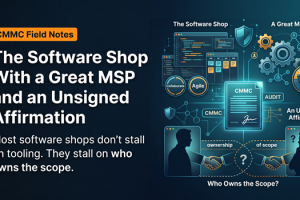
Building a Level 2 CUI Enclave, Start to Signature
One small enclave, walked through ten phases from "is this CUI?" to a signed affirmation, with Google Workspace and Microsoft 365 GCC High side by side, and who on your team does each step.
Four parts into this series, we've covered why a Level 1 workplace with a Level 2 enclave is usually the better build, how it lets a company get ready before the contract, why Level 2 projects stall on the documentation, and how the guided documentation path takes the drafting off your desk.
This part puts it all together. It walks one enclave from the first question to the final signature, so you can see what "getting it done" actually looks like, step by step and role by role.
💡 About this example
This is a composite example based on typical client environments, not a specific company. The details are representative of the small contractors we work with; the names and particulars are illustrative.
Meet the Composite Company
Picture a precision manufacturer with about 20 employees. Most of its work is commercial. It does defense work as a subcontractor, and nearly all of that involves only Federal Contract Information (FCI), so it already runs a Level 1 program. Then one prime starts sending technical drawings marked as Controlled Unclassified Information (CUI).
Two people need to work with those drawings: a lead engineer and a program manager. Everyone else in the company never needs to touch them. That's the classic shape for an enclave: a small CUI footprint inside a business that otherwise runs at Level 1.
The company has three roles to fill:
- Owner/Manager: the owner, who signs policies, makes approval decisions, and will sign the affirmation.
- IT Point Person: the operations manager, who handles the company's IT on the side.
- CUI Users: the engineer and the program manager.
Here's how they get from there to a signed Level 2 self-assessment.
Before Phase 1: Five Questions to Answer
Every build in this series starts with the same short conversation. These five answers shape everything that follows, and none of them require buying anything:
- Which contracts carry the requirement? Find DFARS 252.204-7012 and any CMMC Level 2 self-assessment requirement in the contract or the prime's flow-downs.
- How does CUI arrive today? By email, through a prime's portal, on a shared drive? The answer decides where the enclave's front door goes.
- Who actually needs to touch it? Name the people. In most small companies, it's a handful at most, and that number sizes the enclave.
- Who will fill the three roles? An Owner/Manager to approve and sign, an IT Point Person to configure and maintain, and the CUI Users who follow the procedures.
- Where does your Level 1 program stand? The enclave sits beside it, so it needs to be solid first.
In our composite company, the answers came quickly: one subcontract, drawings arriving by email from one prime, two people who need them, the owner and operations manager in the lead roles, and a Level 1 program already in place.
The Ten Phases, Start to Signature
Confirm the obligation and the CUI
Owner/ManagerThe owner pulls the subcontract and finds DFARS 252.204-7012, plus the prime's flow-down requirements. The drawings arrive marked as CUI. That marking, and the contract, are what establish the obligation. Overwatch Tools doesn't decide what is or isn't CUI. When something is unclear, the owner asks the prime or the contracting officer in writing and keeps the answer on file.
Draw the boundary
Owner/Manager, with consultantNext comes the most important design decision: where the CUI will live. The answer is a dedicated cloud workspace used only for CUI, two dedicated CUI-only laptops, and accounts for exactly two people. Everything else in the business stays outside. Under 32 CFR 170.19, assets that are physically or logically separated from CUI assets are out of scope for Level 2, so a clear boundary is what keeps the rest of the company at Level 1.
The boundary also needs a front door: a written procedure for how CUI arrives from the prime, where it lands, and who can open it.
Confirm the Level 1 foundation
Owner/Manager and IT Point PersonLevel 2 always sits on top of Level 1. The company handles FCI everywhere, so its 15 Level 1 practices, system description, and annual affirmation have to be solid before the enclave sits beside them. A weak Level 1 side also weakens the separation the enclave depends on. The Level 1 foundation is exactly what Volume 1 of my CMMC Practical Guides walks through, and our free CMMC Assessment Tool checks all 15 practices in under 30 minutes.
Choose the platform
Owner/Manager, with consultantThe enclave can run on either platform, with configuration guides written for each. The right choice depends on the company, not on a default:
Google Workspace
- A natural fit if the team already works in Google
- Configured from our Google Workspace enclave guides
- Documentation names the actual Google Workspace settings
Microsoft 365 GCC High
- A natural fit if the primes and team work in Microsoft
- Configured from our GCC High enclave guides
- Documentation names the actual GCC High settings
The questions that decide it: what the primes use to send CUI, what the two CUI users already know, and how the drawings arrive today. Either way, the practices, the 182 artifacts, and the finish line are the same.
Configure from the guides
IT Point PersonThe operations manager works through the enclave configuration guides: the workspace settings, the two dedicated laptops (Windows laptops or Chromebooks), the accounts, and the security settings each guide calls for. Every task in the package carries a time estimate, so the work can be planned around a real job. There's no Active Directory, no SIEM, and no enterprise IT to stand up. We provide the guides and consulting. The company implements.
Answer the guided intake
IT Point Person and Owner/ManagerWith the enclave configured, the documentation starts from the people who know the answers. The operations manager answers the questions about settings and devices, because they made those settings. The owner answers the questions about roles, approvals, and procedures. Their answers become the documentation: the SSP and the supporting policies, procedures, and records.
Review the documentation
Consultant and Owner/ManagerIn the review sessions, the consultant checks the documents against what was actually built. Where a document and the configuration disagree, one of them gets fixed before anything moves forward. This is where consulting time pays off most: checking that the paperwork tells the truth, instead of writing it from scratch.
A typical catch in a build like this: the account review procedure says reviews happen quarterly, while the IT Point Person has actually been reviewing accounts monthly. Neither is wrong, but they have to match. The owner decides which schedule the company will keep, and the documentation and the practice are brought into line before anyone signs.
Collect the evidence
IT Point PersonDocumentation says what you do. Evidence shows you actually do it. The operations manager gathers dated evidence that the controls operate and files it in the Evidence Locker, following the evidence checklist. From here on, evidence collection becomes part of monthly maintenance, not a one-time scramble.
Score it, and handle anything open
Owner/Manager, with consultantThe enclave is scored against all 110 requirements, and the result is prepared for the Supplier Performance Risk System (SPRS). Anything not yet met goes on the POAM, within the limits the CMMC rule sets. Under 32 CFR Part 170, a conditional status requires a score of at least 80 percent, only certain lower-weighted requirements can be deferred, some (including having an SSP) can't be deferred at all, and every open item has to be closed within 180 days. The goal is to sign with as little on the POAM as possible.
In our composite company, the consultant and the owner walk through the score together, so the owner understands every number before it goes anywhere. A score the signer can explain is worth more than a perfect-looking one they can't.
Sign the affirmation
Owner/ManagerThe owner, as the senior official, signs the affirmation, and the results are recorded in SPRS. That signature is the one thing nobody else can do for the company. It rests on documentation the owner reviewed, describing an enclave the company actually built, backed by dated evidence. Three roles, and the company holds the last one.
In most cases, clients on the guided path complete their Level 2 enclave self-assessment in about 30 days, from kickoff to a signed affirmation, across all ten phases above.
Your timeline will vary with your existing infrastructure, how fast configuration gets done, and how quickly questions get answered.
Our Analysis — not a commitment.
Want to map these ten phases to your company?
Book a free 30-minute consultation. We'll look at where your CUI comes from, who would fill each role, and which platform fits, then show you what your path to a signed affirmation looks like.
Book a Free 30-Minute Consultation →⚠️ Self-Assessment Programs Only. The L2 CUI Enclave Package is scoped for CMMC Level 2 programs eligible for annual self-assessment. Programs required to use a C3PAO are not in scope.
Where Builds Like This Usually Slow Down
Even with the drafting off the table, a few things reliably add friction. None of them are hard. They just need someone to own them.
- Getting the devices and licensing in place. The configuration can't start until the dedicated laptops and the workspace are in hand. Order them early.
- The CUI front door. Deciding exactly how CUI arrives from the prime, and making sure it stops arriving anywhere else, often takes a conversation with the prime.
- Finding time for the IT Point Person. In a small company, IT is usually someone's second job. The time estimates on every task make it easier to protect a few hours a week.
- Answering the role and procedure questions. Owners tend to know these answers but put off writing them down. The guided intake asks once, in order, which helps.
After the Signature
A signed affirmation isn't the end of the program. Under 32 CFR 170.16, a Level 2 self-assessment is repeated every three years, affirmed every year in between, and backed by evidence kept for six years. In our composite company, that becomes a routine:
- Monthly: the IT Point Person handles maintenance and collects evidence.
- Quarterly: the owner runs the quarterly review.
- When anything changes: a new device, a new CUI user, or a changed setting gets reflected in the documentation, and raised in a consulting session.
- Annually: the owner signs the affirmation again.
Because the boundary is small, that routine stays small too. That's the payoff of building an enclave instead of pulling the whole office into Level 2.
What This Build Uses
| Piece | Package | Price |
|---|---|---|
| The Level 1 foundation (phase 3) | Turnkey CMMC Level 1 Package: 15 practices, 142 artifacts, Microsoft 365 or Google Workspace templates | $2,495/year (limited time, save $500 off $2,995) |
| The enclave and its documentation set (phases 2, 4–10) | L2 CUI Enclave Package: 110 practices, 182 artifacts, Google Workspace or GCC High guides | $3,495/year, or $5,990/year combined with Level 1 |
| Answers-first drafting and review (phases 6–7) | L2 CUI Enclave — Guided Documentation, for qualifying self-assessment programs | $5,495/year |
Before you buy the guided tier, we confirm it fits your environment. If it doesn't, we'll tell you and point you at the right path. That's the subject of Part 6.
📘 Building it yourself?
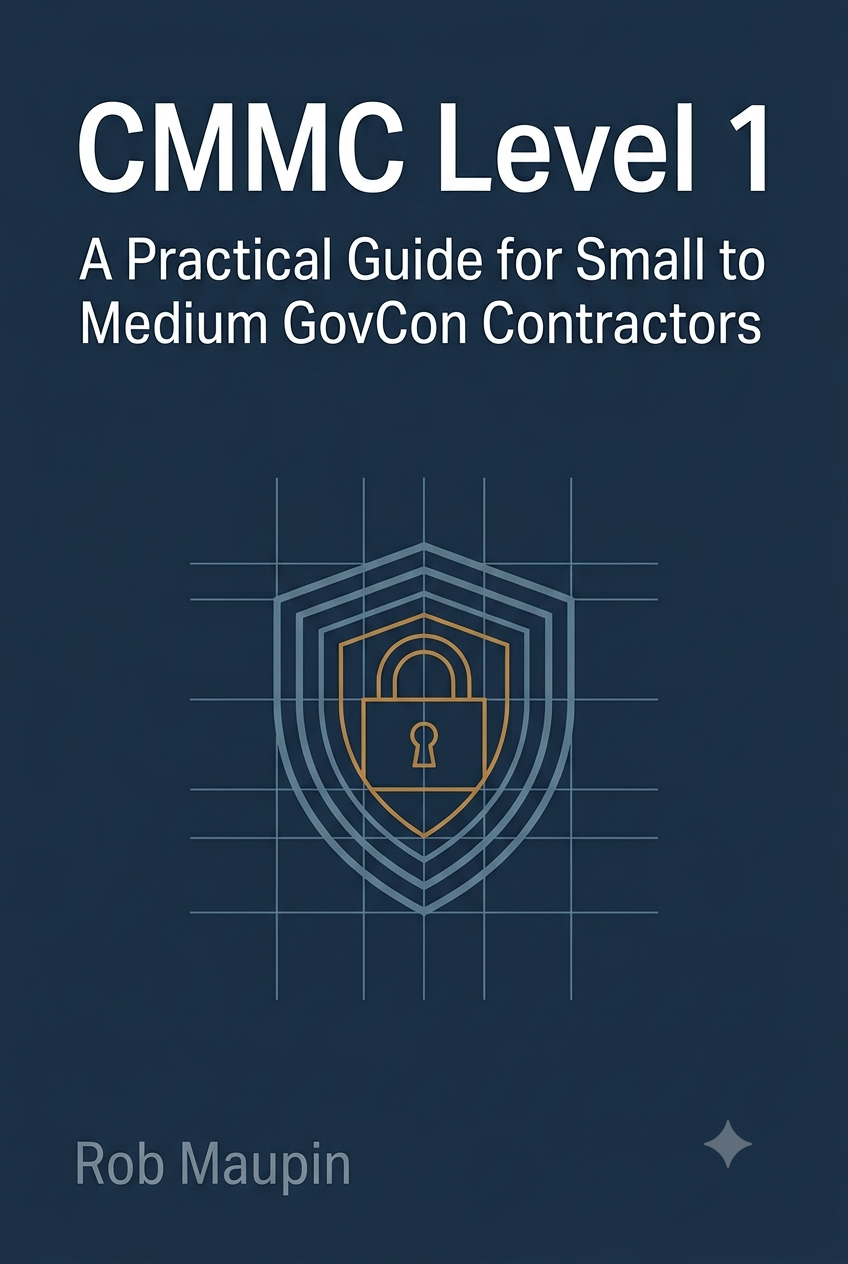
Volume 1: CMMC Level 1: the Level 1 foundation in phase 3.
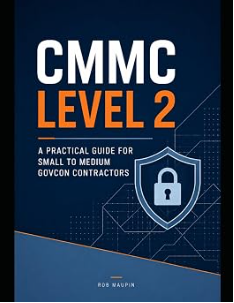
Volume 2: CMMC Level 2: the 110 practices and documentation behind phases 6 through 10.
Kindle from $12.99. See the full series →
The Bottom Line
A Level 2 enclave isn't a mystery project. It's ten phases, each owned by a specific person, ending with one signature. Draw the boundary small, build on a solid Level 1 foundation, configure from the guides, let your answers become your documentation, and review it before you sign. You configure the enclave. We guide the build.
⚠️ Self-Assessment Programs Only. The L2 CUI Enclave Package is scoped for CMMC Level 2 programs eligible for annual self-assessment. Programs required to use a C3PAO are not in scope.
Ready to see the questions?
A free 30-minute consultation walks you through the intake, your platform choice, and whether the guided tier is the right fit for your CUI footprint.
Schedule Your Free 30 Minutes →Coming Up in The Enclave Build
- Part 6: We'll Tell You If It Isn't the Right Fit. Who the guided tier is for, who it isn't for, and where those contractors should go instead.
Sources & Further Reading
- 32 CFR 170.19: CMMC Scoping
- 32 CFR 170.16: CMMC Level 2 Self-Assessment and Affirmation Requirements
- 32 CFR 170.21: Plan of Action and Milestones Requirements
- DFARS 252.204-7012: Safeguarding Covered Defense Information and Cyber Incident Reporting
- NIST SP 800-171 Rev. 2
- NARA CUI Registry: Category List
This article is general information, not legal advice. Whether your contracts require a Level 2 self-assessment, and whether information you hold is CUI, is determined by your contract and your contracting officer or prime. Questions of contract interpretation should go to your attorney.